

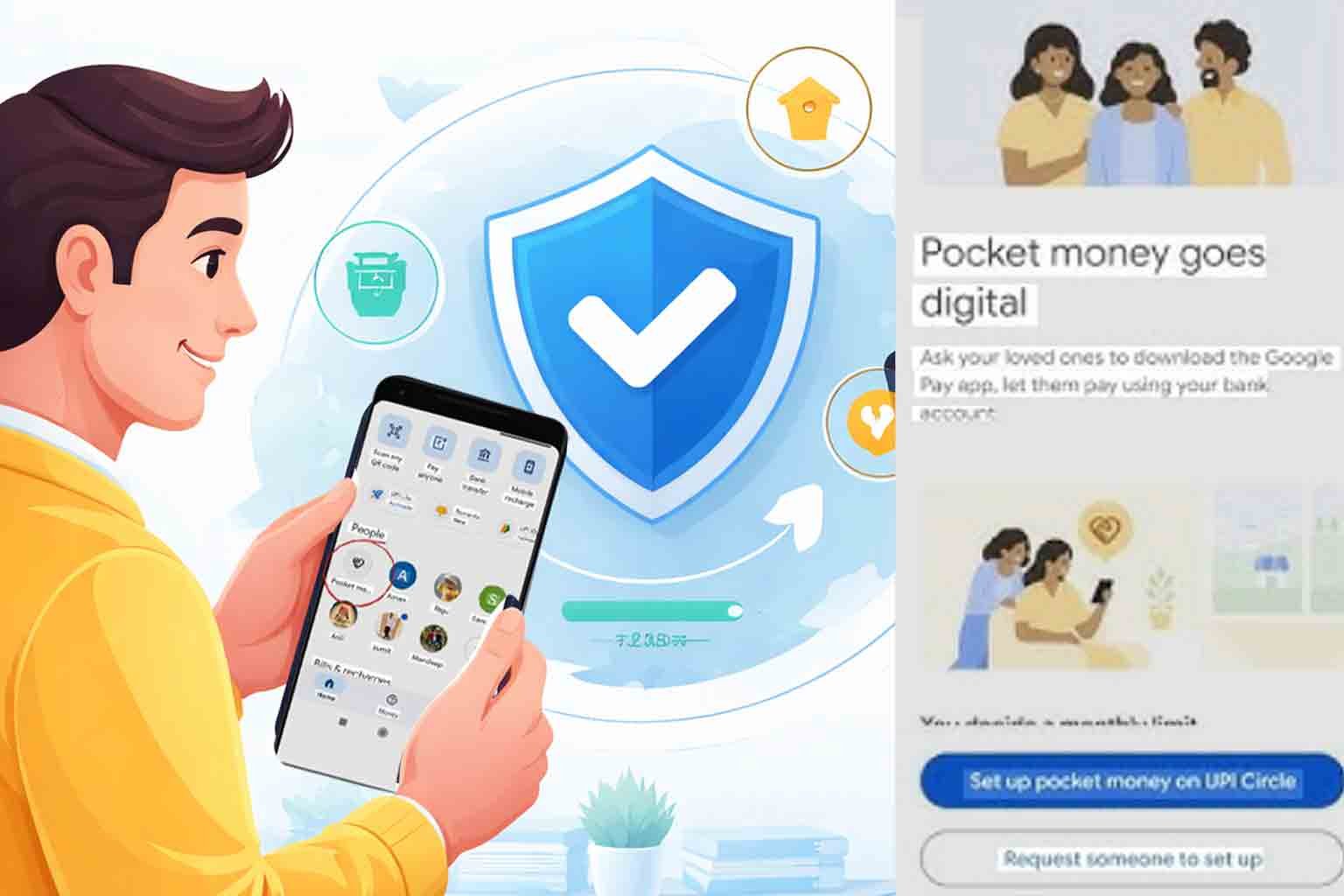
Google Pay has recently introduced a feature called “Pocket Money” under UPI Circle, designed to help families manage digital payments in a controlled way. This feature allows a primary user (such as parents) to assign a spending limit to a secondary user (such as children or dependents) who can make UPI payments using the primary user’s bank account.
The system is built under India’s UPI framework and is intended to support safe and limited digital spending for trusted users.
How it works
- Primary user links a bank account
- Secondary user gets controlled payment access
- Monthly spending limit can be set
- Transactions may require approval or auto-approval depending on settings
Public Concerns and Confusion
Many users have raised concerns after seeing this feature, such as:
- Fear of unauthorized transactions
- Confusion about hidden access to bank accounts
- Misunderstanding that it is a scam or hidden app feature
- Privacy and control concerns
However, experts explain that these concerns are mostly due to lack of awareness, as the feature is controlled by the primary account holder.
The primary user can:
- Add or remove users anytime
- Set or change spending limits
- Approve or reject transactions
- Fully disable the feature
Is it Safe?
It is generally safe because:
- It is an official Google Pay feature under UPI system
- Bank account owner has full control
- Spending is limited and monitored
- Access can be revoked instantly
However, risks exist if:
- You share phone or UPI PIN with others
- You add unknown or untrusted users
- You do not monitor account activity
How to Remove or Disable Pocket Money (UPI Circle)
If you want to remove it:
Steps:
- Open Google Pay app
- Tap your profile icon
- Go to UPI Circle / Pocket Money section
- Select the linked user
- Tap Remove or Delete access
- Confirm using UPI PIN
This will immediately stop access to your account.
Safety Tips
- Only add trusted family members
- Never share UPI PIN or OTP
- Check transactions regularly
- Remove unknown users immediately
- Keep app updated
Final Message
The “Pocket Money” feature is not a scam. It is a controlled digital allowance system designed for families. However, users must understand its settings properly to avoid confusion or misuse.
Awareness and careful use are the key to staying safe in digital payments.